 FeverDream is now free.
FeverDream Screens
Nine hypnotic macOS screensavers, ported from old Quartz Composer patches. Signed, notarized, and $1 each.
Shop screensavers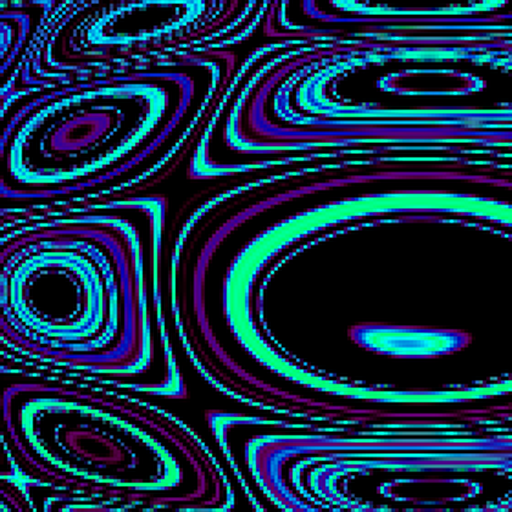
Drippy
macOS Screen Saver
$1.00
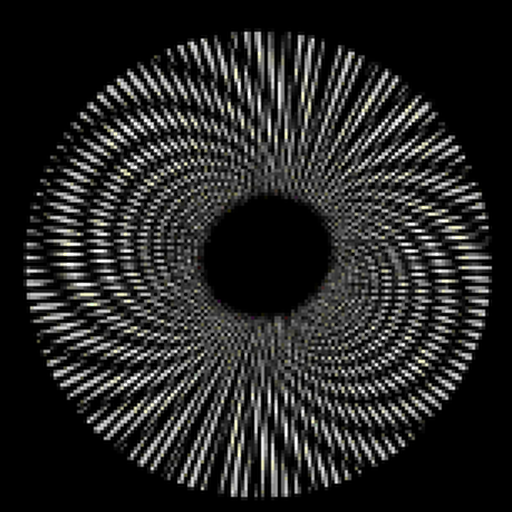
Moire
macOS Screen Saver
$1.00
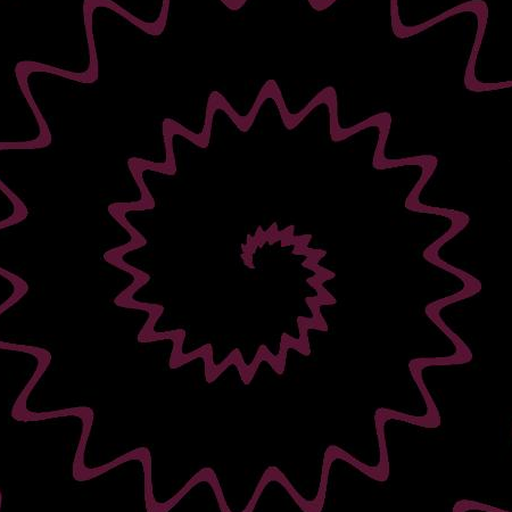
Spiral
macOS Screen Saver
$1.00
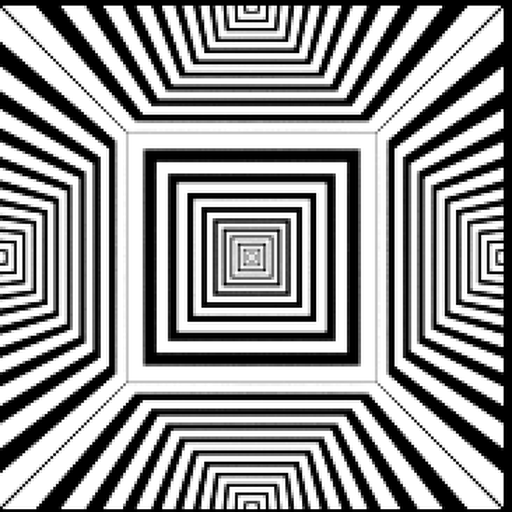
Hypno
macOS Screen Saver
$1.00

Chevrons
macOS Screen Saver
$1.00
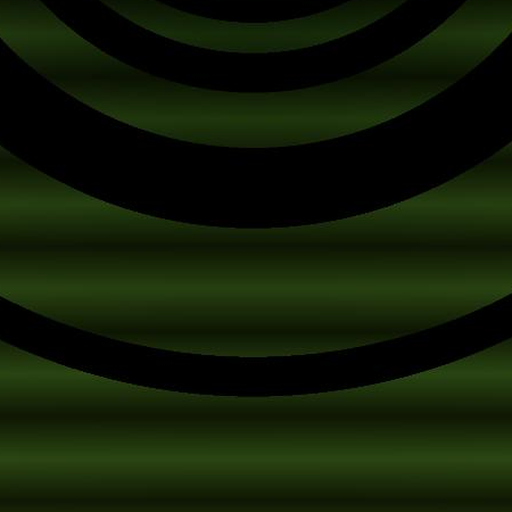
Bloom
macOS Screen Saver
$1.00
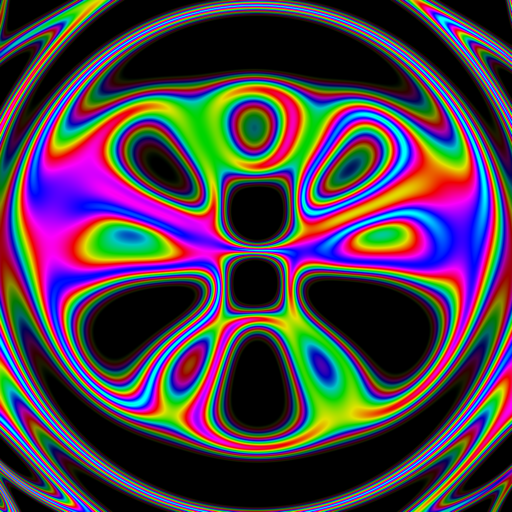
Halo
macOS Screen Saver
$1.00
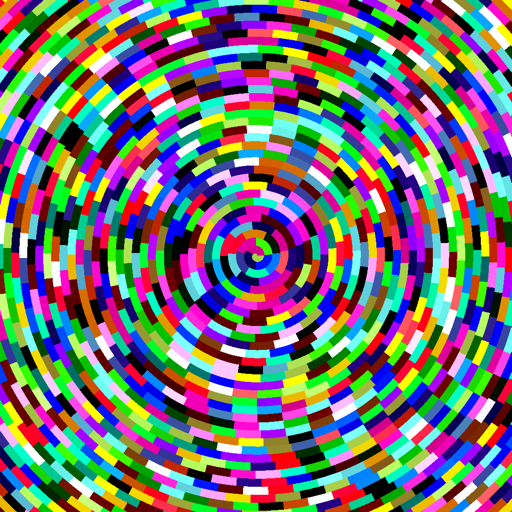
Vortex
macOS Screen Saver
$1.00
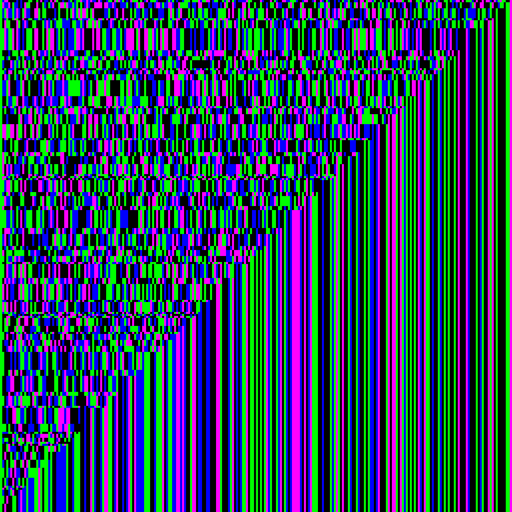
Shatter
macOS Screen Saver
$1.00
Also from me: FeverDream
Real-time, audio-reactive camera effects for iPhone, Mac & Apple Vision — free on the App Store.
Installing one
- 1
Buy it
Click "Add to cart" — each screensaver is $1 — then check out whenever you're ready. No account needed.
- 2
Open the .saver file
Safari unzips it automatically — find it in your Downloads folder (or the browser's download tray) and double-click it. Everything here is signed with a Developer ID certificate and notarized by Apple, so Gatekeeper won't show any "unidentified developer" warning.
- 3
It installs itself
Double-clicking installs it to ~/Library/Screen Savers and opens System Settings straight to the Screen Saver pane with it already selected.
Why you can trust these downloads
Everything on this page is built and signed by me, Ryan Clayton, under my own Apple
Developer ID (Team ID AWLLM3Q8GW). Each is also
notarized: Apple independently scanned the exact binary you're downloading and issued it
a ticket, which is stapled to the file so Gatekeeper can verify it offline. You don't have
to take my word for any of that — check it yourself after downloading:
spctl -a -vv -t install ~/Downloads/<Name>.saver
That should print source=Notarized Developer ID and
origin=Developer ID Application: Ryan Clayton (AWLLM3Q8GW).
If it doesn't say exactly that, don't run it. The source is also public if you'd rather
read the code than trust a signature:
Photosensitivity warning: these patterns include rapid flashing, strobing, and high-contrast pulsing — especially Bloom, Hypno, and Shatter. If you or anyone in your household has photosensitive epilepsy or a seizure disorder, use caution or skip these.